> ## Documentation Index
> Fetch the complete documentation index at: https://docs.assert.dev/llms.txt
> Use this file to discover all available pages before exploring further.
# Agents
> Send review feedback to Claude, Cursor, or Devin
Review feedback normally ends with someone copying comments into a chat window and
re-explaining context the reviewer already wrote down. Your comments are already
anchored to specific code, so Assert sends them straight to a coding agent.
## Connecting a provider
Agents live in your workspace's integration settings. Each one takes an API key.
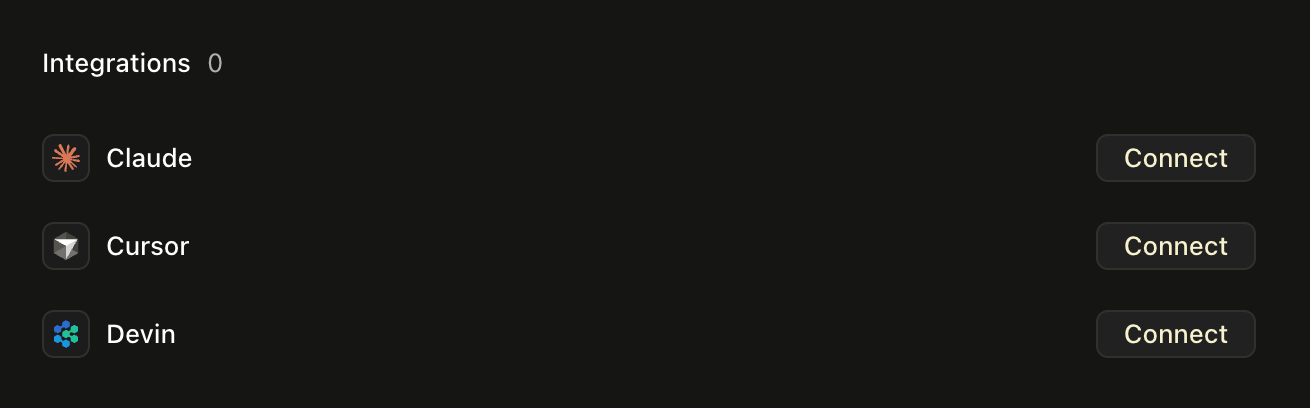 Paste an Anthropic API key.
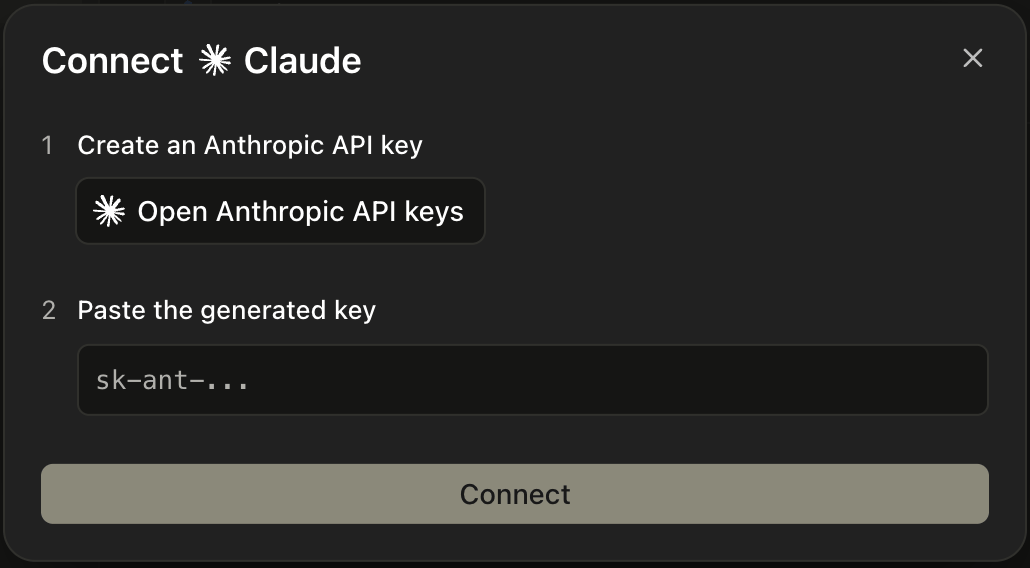 Paste a Cursor user API key.
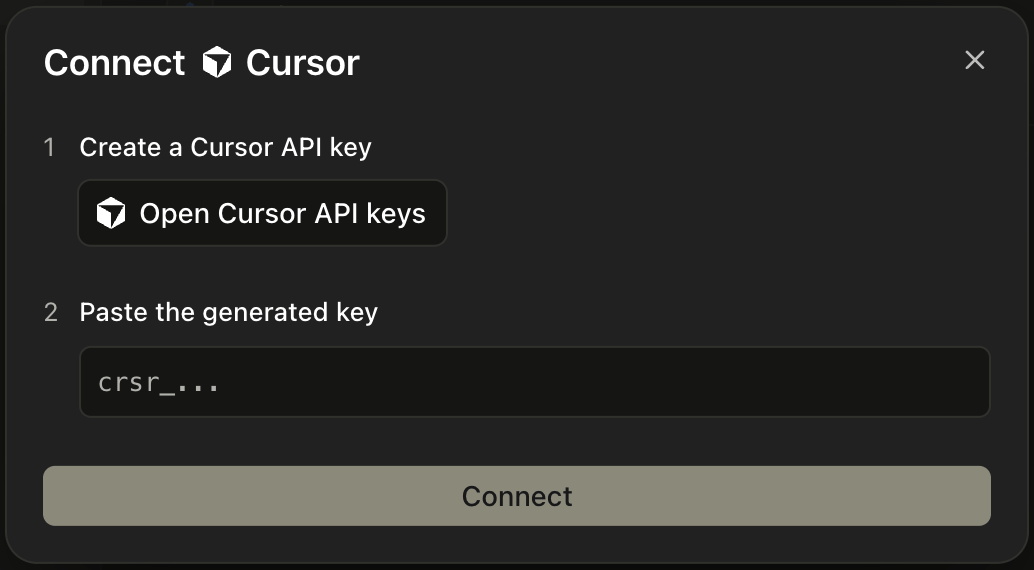 Paste a Cognition service-user API key.
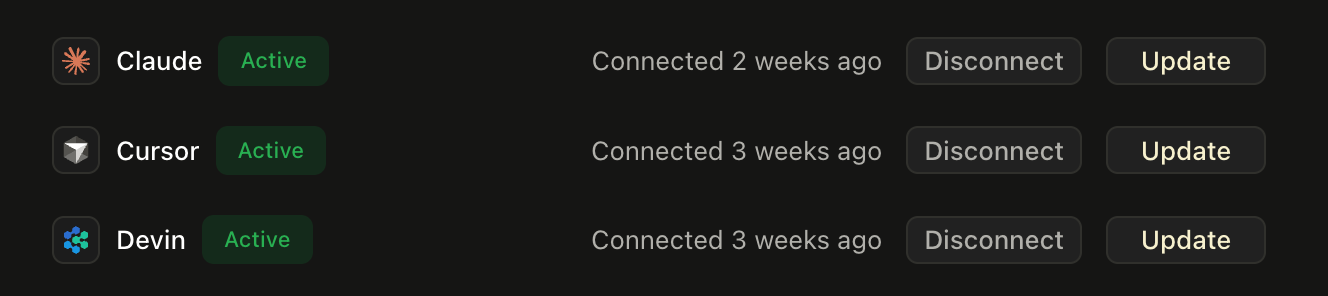
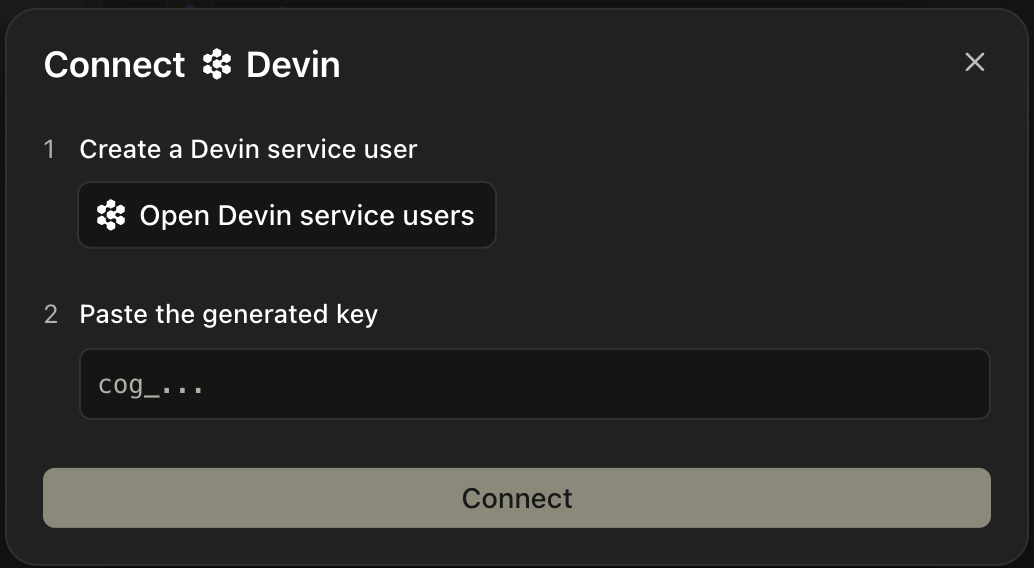 Connected agents show as **Active**, and you can swap the key or disconnect at any
time.
Connected agents show as **Active**, and you can swap the key or disconnect at any
time.
 A workspace-owned integration is available to every member. A personal one is only
yours.
## Sending comments to an agent
Select the threads you want acted on, then pick an agent from **Send prompt to**. You
can add your own instructions before sending.
A workspace-owned integration is available to every member. A personal one is only
yours.
## Sending comments to an agent
Select the threads you want acted on, then pick an agent from **Send prompt to**. You
can add your own instructions before sending.
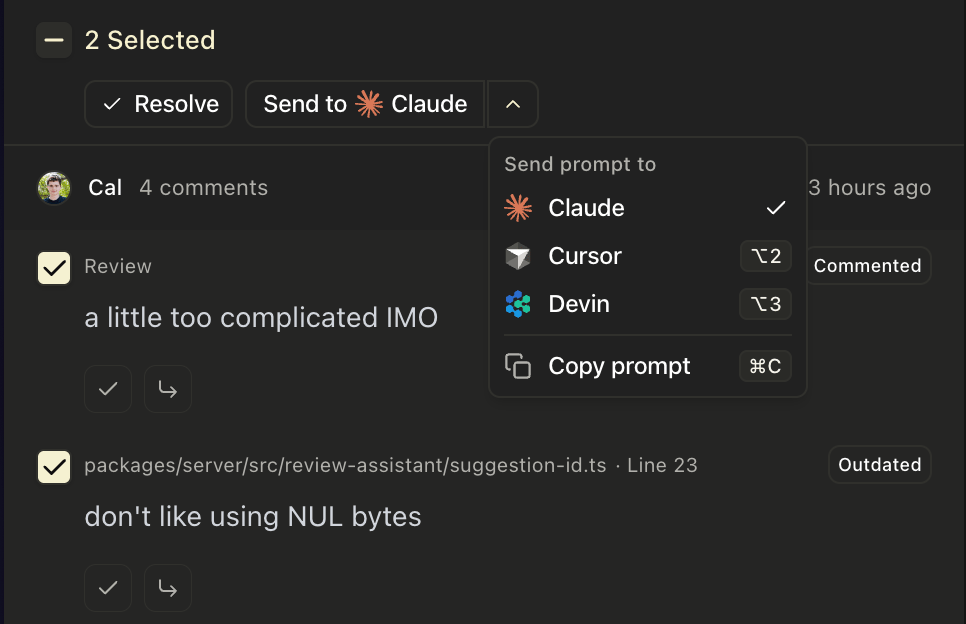 Shortcuts follow the order agents appear in the dropdown:
| Action | Shortcut |
| :-------------------------------- | :----------------------- |
| Select the first connected agent | ⌥1 |
| Select the second connected agent | ⌥2 |
| Select the third connected agent | ⌥3 |
| Copy the prompt to your clipboard | ⌘C |
## What the agent receives
Assert sends a text prompt containing the pull request URL, the branch name, the
comments you selected, and anything you typed in the box. It tells the agent to check
out that branch and push its commits back to it.
The agent reads the code from your repository using its own credentials, so it sees
whatever that key grants it. Assert does not ship the diff or your repository
contents to the provider.
## Runs
A run is recorded the moment you trigger it, before the agent has pushed anything,
and shows its status, the prompt it was given, and a link to the provider's own view.
When an agent is already working on a pull request, Assert continues that run rather
than starting a second one. It keeps the context, and it stops two agents pushing to
the same branch. Once a run has finished or expired, sending to that agent starts a
fresh one.
The agent's commits land on the branch and get reviewed like anything else.
Shortcuts follow the order agents appear in the dropdown:
| Action | Shortcut |
| :-------------------------------- | :----------------------- |
| Select the first connected agent | ⌥1 |
| Select the second connected agent | ⌥2 |
| Select the third connected agent | ⌥3 |
| Copy the prompt to your clipboard | ⌘C |
## What the agent receives
Assert sends a text prompt containing the pull request URL, the branch name, the
comments you selected, and anything you typed in the box. It tells the agent to check
out that branch and push its commits back to it.
The agent reads the code from your repository using its own credentials, so it sees
whatever that key grants it. Assert does not ship the diff or your repository
contents to the provider.
## Runs
A run is recorded the moment you trigger it, before the agent has pushed anything,
and shows its status, the prompt it was given, and a link to the provider's own view.
When an agent is already working on a pull request, Assert continues that run rather
than starting a second one. It keeps the context, and it stops two agents pushing to
the same branch. Once a run has finished or expired, sending to that agent starts a
fresh one.
The agent's commits land on the branch and get reviewed like anything else.