> ## Documentation Index
> Fetch the complete documentation index at: https://docs.assert.dev/llms.txt
> Use this file to discover all available pages before exploring further.
# GitHub
> Integrate with GitHub to more easily review in Assert
If you have created an account with Assert using your GitHub account, you will
only be able to review pull requests from GitHub that are public. By installing our
app, you will be able to review pull requests from private repositories, as well as
enable webhook-based updates in Assert whenever changes occur in GitHub.
Alternatively, you can create a [PAT (Personal Access Token)](https://docs.github.com/en/authentication/keeping-your-account-and-data-secure/creating-a-personal-access-token) with the `repo` scope and use that to authenticate with Assert.
## Installation
In order to install the Assert GitHub app for a repository, you will need to have admin permissions on that repository. Begin by navigating to the [installation page](https://github.com/apps/assert-app) or [marketplace listing](https://github.com/marketplace/assert-app) to learn more about the application and what permissions are required. After selecting **"Install"** on the former or **"Add"** on the latter, you will see a page similar to this:
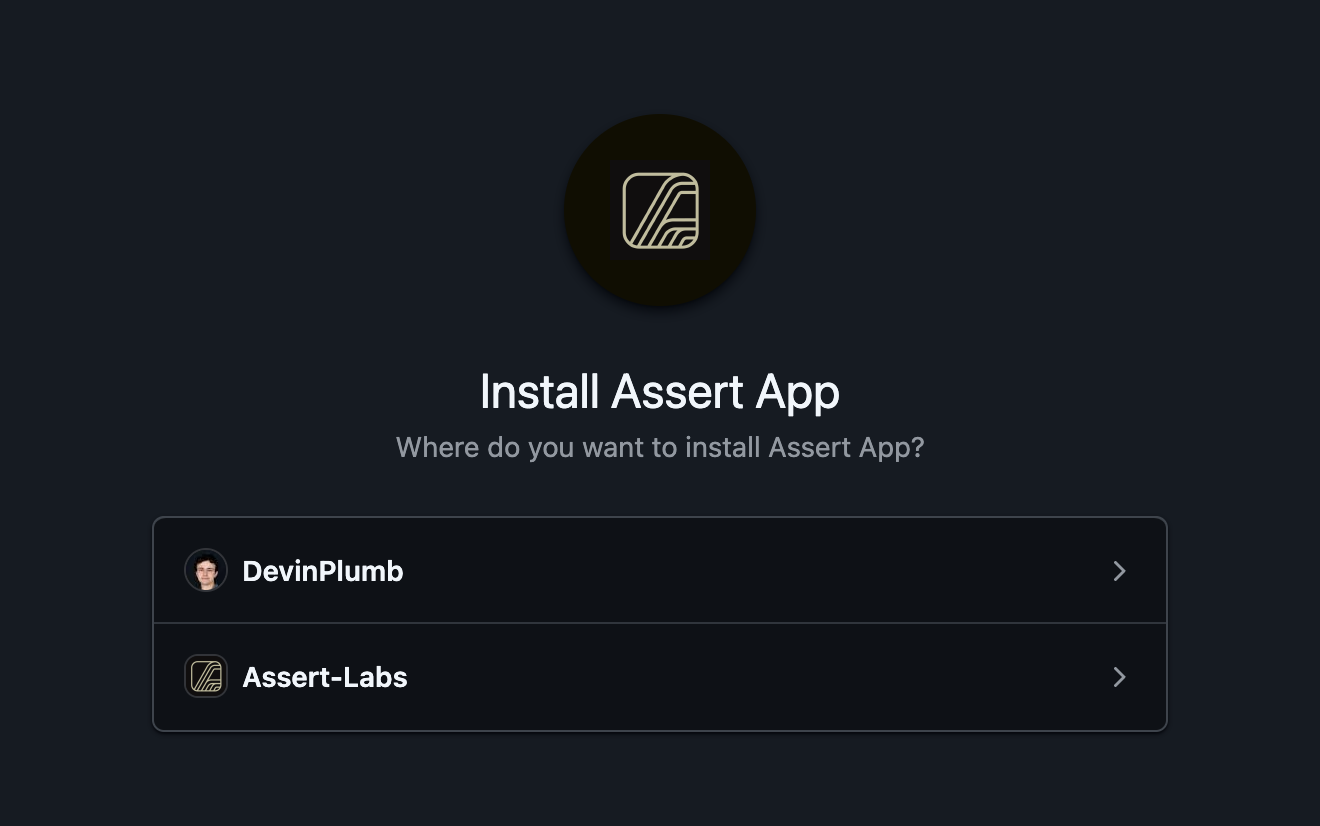 Select the appropriate GitHub organization, after which you’ll have to select which repositories you’d like to grant access for the app. You will see a screen similar to the following:
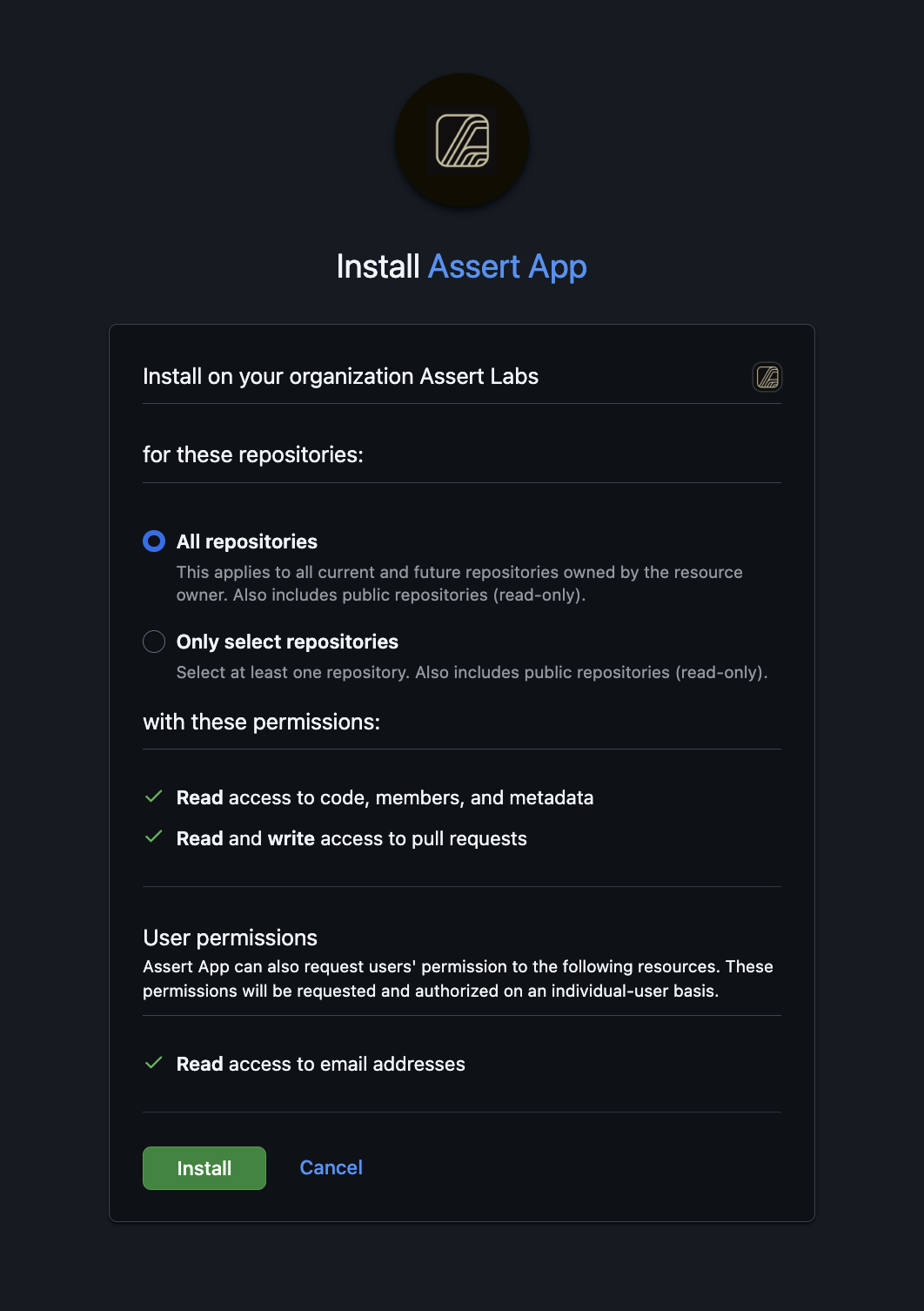 Once you have selected which repositories to grant access for, you'll click **"Install"**.
## Pull Requests
Whenever a pull request is opened in a repository which has Assert installed, the app will comment linking to the place to review code in Assert.
Once you have selected which repositories to grant access for, you'll click **"Install"**.
## Pull Requests
Whenever a pull request is opened in a repository which has Assert installed, the app will comment linking to the place to review code in Assert.
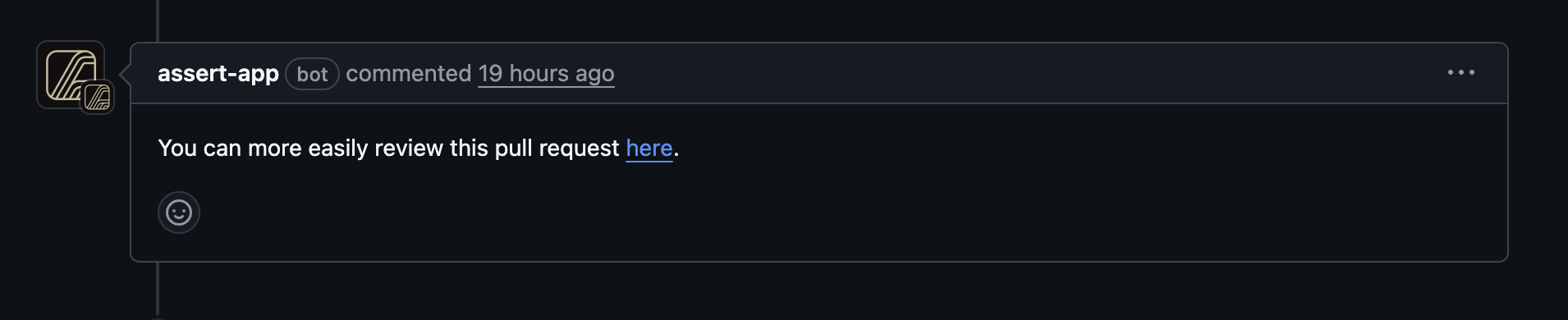 Likewise, when a pull request is reviewed in Assert, all data in that review is written back to GitHub.
## Personal Access Token
If you would like to review pull requests on GitHub without installing our app, you can create
a [PAT (Personal Access Token)](https://docs.github.com/en/authentication/keeping-your-account-and-data-secure/creating-a-personal-access-token)
with the `repo` scope and use that to authenticate with Assert. Follow the instructions there to
generate a token with the appropriate access permissions to read the repository and write reviews.
Once you have created a PAT, set it in your profile settings in Assert.
Likewise, when a pull request is reviewed in Assert, all data in that review is written back to GitHub.
## Personal Access Token
If you would like to review pull requests on GitHub without installing our app, you can create
a [PAT (Personal Access Token)](https://docs.github.com/en/authentication/keeping-your-account-and-data-secure/creating-a-personal-access-token)
with the `repo` scope and use that to authenticate with Assert. Follow the instructions there to
generate a token with the appropriate access permissions to read the repository and write reviews.
Once you have created a PAT, set it in your profile settings in Assert.
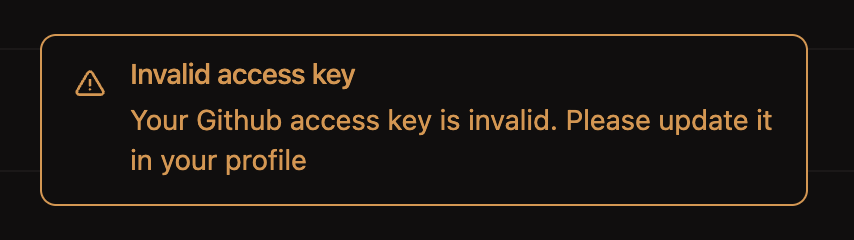
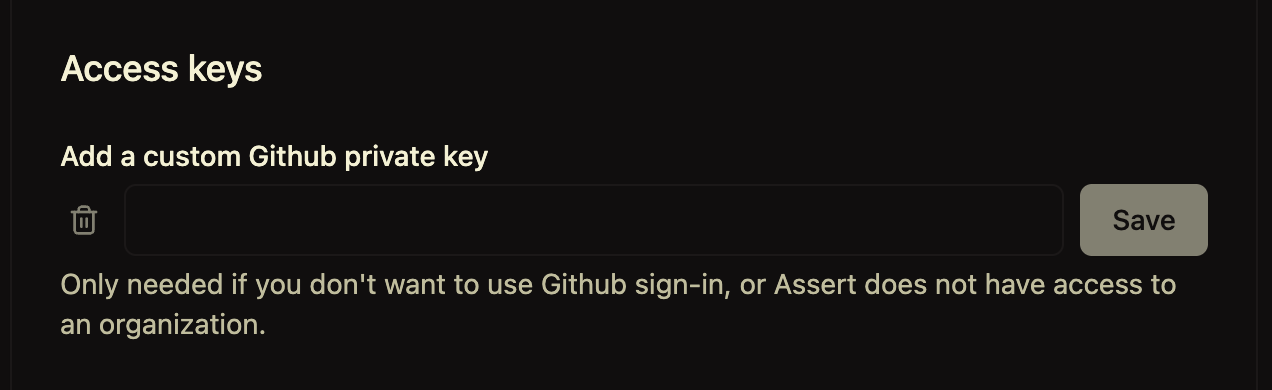 If the PAT is invalid, you will get a warning when we try to load your pull requests.
 Once the PAT is set and valid, you will see all repositories that token has access to, and can
review pull requests from them.
Once the PAT is set and valid, you will see all repositories that token has access to, and can
review pull requests from them.