> ## Documentation Index
> Fetch the complete documentation index at: https://docs.assert.dev/llms.txt
> Use this file to discover all available pages before exploring further.
# Previews
> Rendered UI and file previews inside the review
A four-line CSS change can read fine in the diff and still break the layout. Previews
render the changed UI and put it in front of you.
## UI previews
Assert renders the components a pull request touches, at both the base and head
commits, and collects them in the **UI Previews** tab next to
[Clusters](/reviewing/clusters).
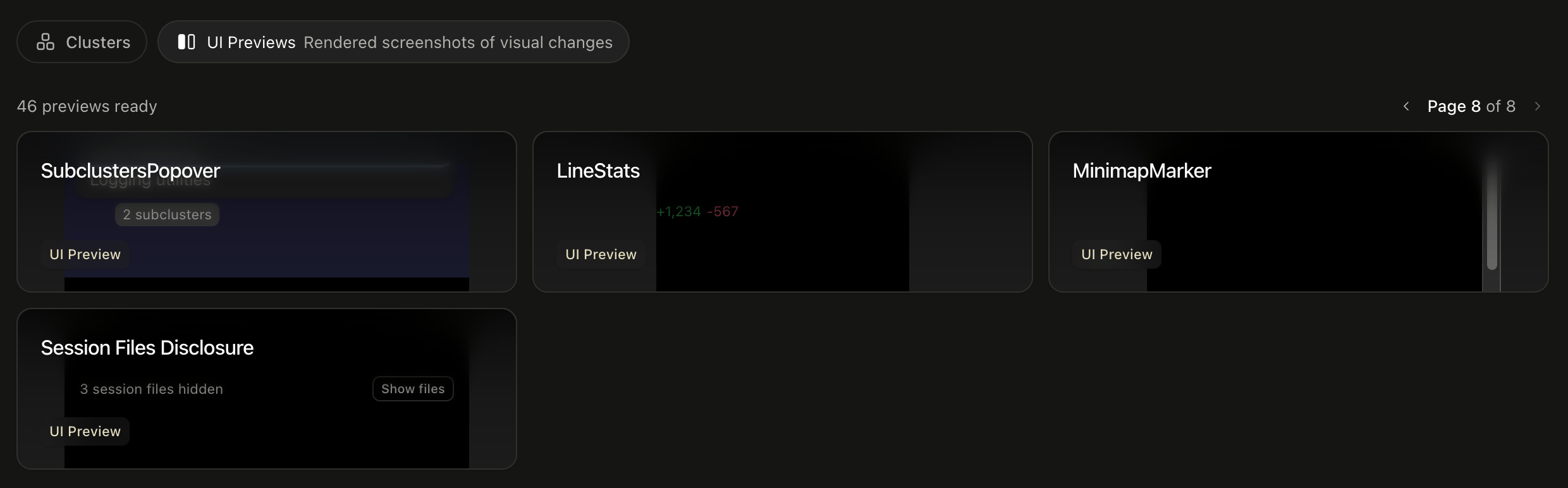 Open one to get the component on its own, labeled with the file it came from.
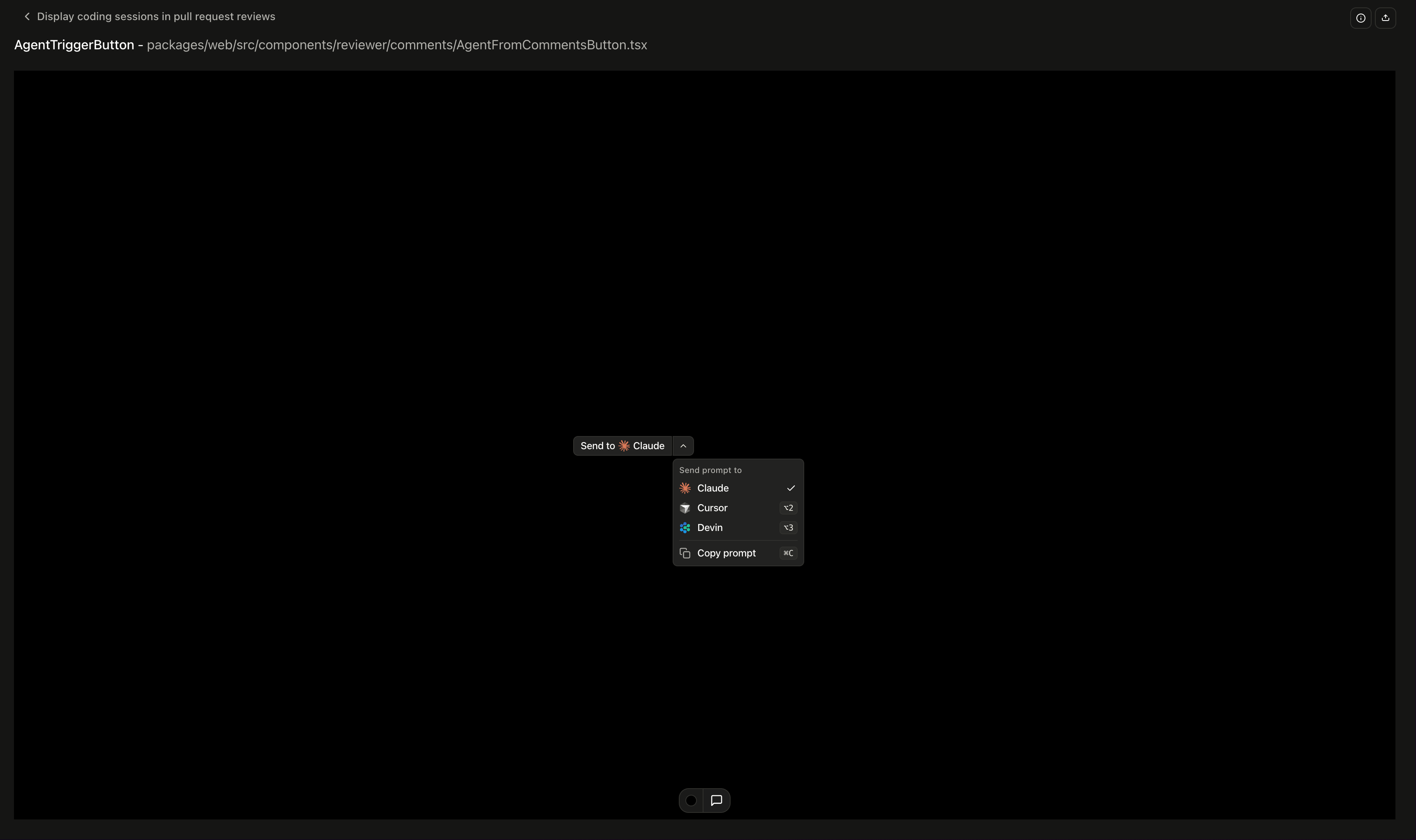 A preview is one frame of the component, and it runs the component's own state. Open
its dropdowns, toggle its controls, type in its inputs.
Where a component has meaningful variants, the preview gets controls for them:
dropdowns for enum props, checkboxes for boolean ones. Flip a button through its
sizes without hunting down a call site. Components with an intrinsic width also get a
width slider.
You get one preview per component, placed inline beside that component in the diff.
## Supported code
Previews cover React and Solid components written in TypeScript or JavaScript, styled
with Tailwind or plain CSS. If you would like previews for another framework, let us
know at [support@assert.dev](mailto:support@assert.dev).
## Commenting on a preview
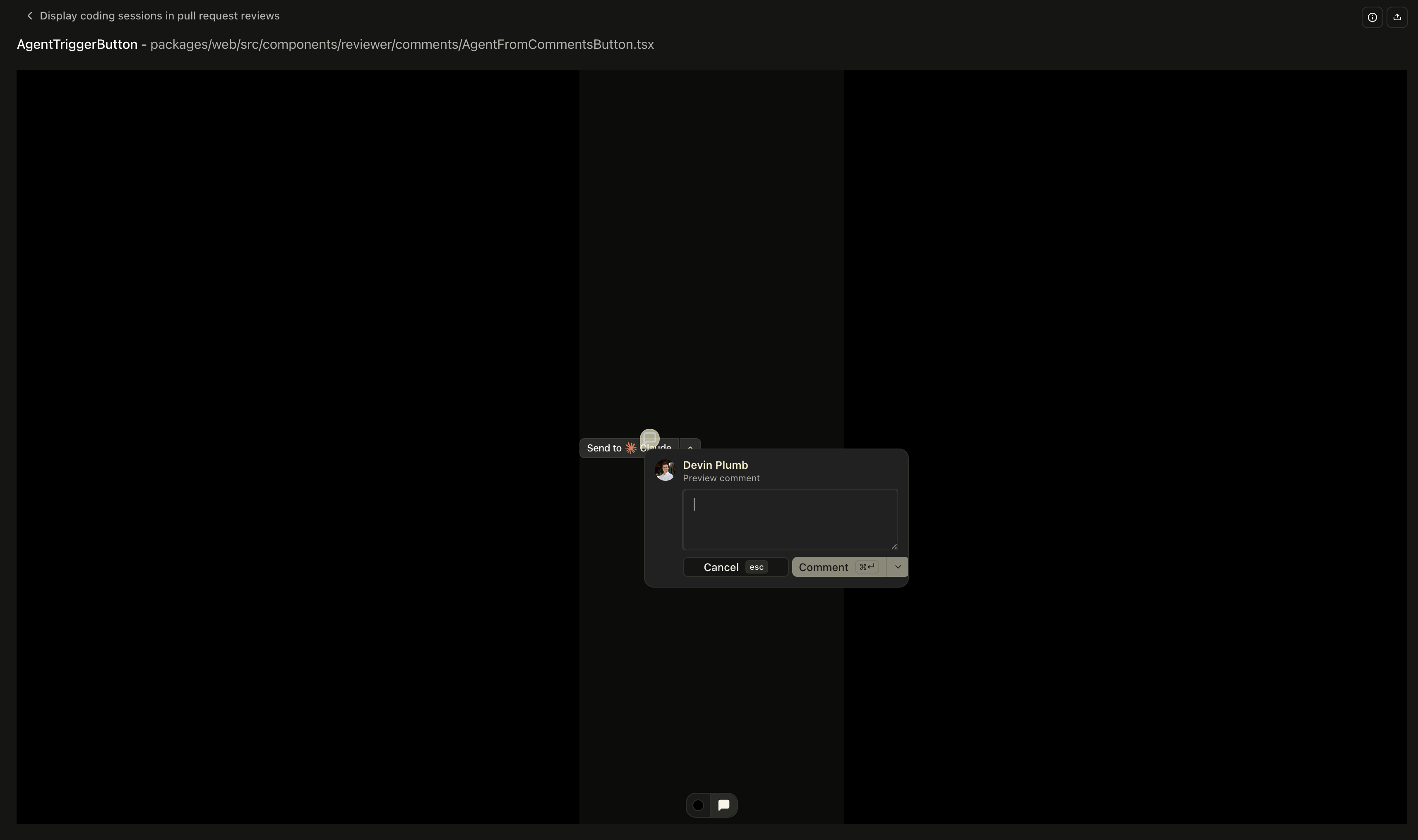
Click a spot on the render to comment on it. The comment maps back to the diff, so
an agent or the pull request author picks it up with the rest of your review.
A preview is one frame of the component, and it runs the component's own state. Open
its dropdowns, toggle its controls, type in its inputs.
Where a component has meaningful variants, the preview gets controls for them:
dropdowns for enum props, checkboxes for boolean ones. Flip a button through its
sizes without hunting down a call site. Components with an intrinsic width also get a
width slider.
You get one preview per component, placed inline beside that component in the diff.
## Supported code
Previews cover React and Solid components written in TypeScript or JavaScript, styled
with Tailwind or plain CSS. If you would like previews for another framework, let us
know at [support@assert.dev](mailto:support@assert.dev).
## Commenting on a preview
Click a spot on the render to comment on it. The comment maps back to the diff, so
an agent or the pull request author picks it up with the rest of your review.
 Every preview also has a share link that serves the render without asking the
viewer to sign in, which is the fastest way to get a designer's eyes on a change.
## File previews
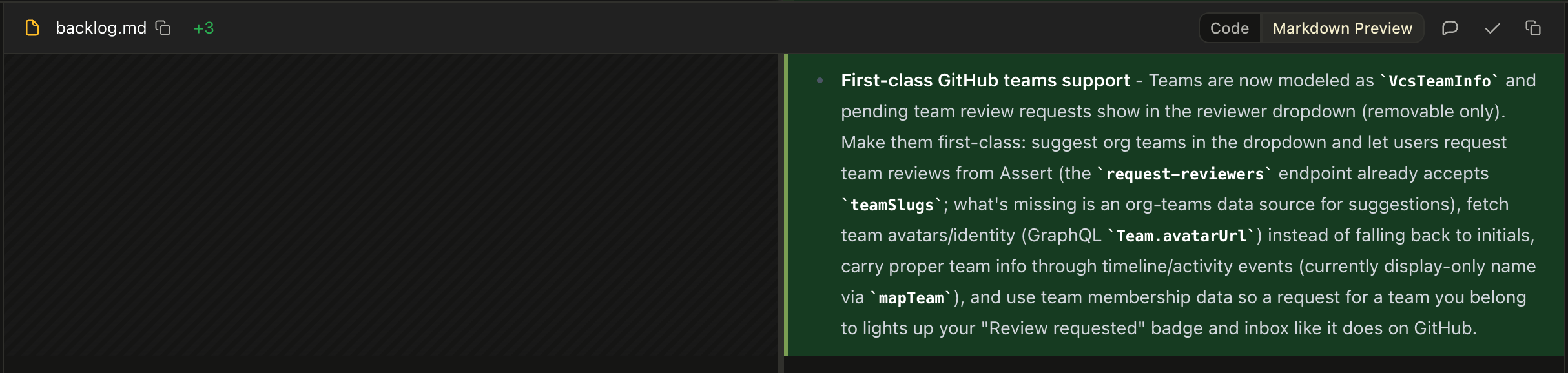
For file types better seen than read, the file header has a preview toggle.
Every preview also has a share link that serves the render without asking the
viewer to sign in, which is the fastest way to get a designer's eyes on a change.
## File previews
For file types better seen than read, the file header has a preview toggle.
 | Type | Rendered as |
| :------- | :---------------- |
| SVG | The image |
| HTML | The rendered page |
| Markdown | Formatted prose |
| JSON | A navigable tree |
Visual types can be compared side by side, with a slider you drag across one frame,
or by blending the two. The slider and blend are the ones that catch small shifts.
| Type | Rendered as |
| :------- | :---------------- |
| SVG | The image |
| HTML | The rendered page |
| Markdown | Formatted prose |
| JSON | A navigable tree |
Visual types can be compared side by side, with a slider you drag across one frame,
or by blending the two. The slider and blend are the ones that catch small shifts.