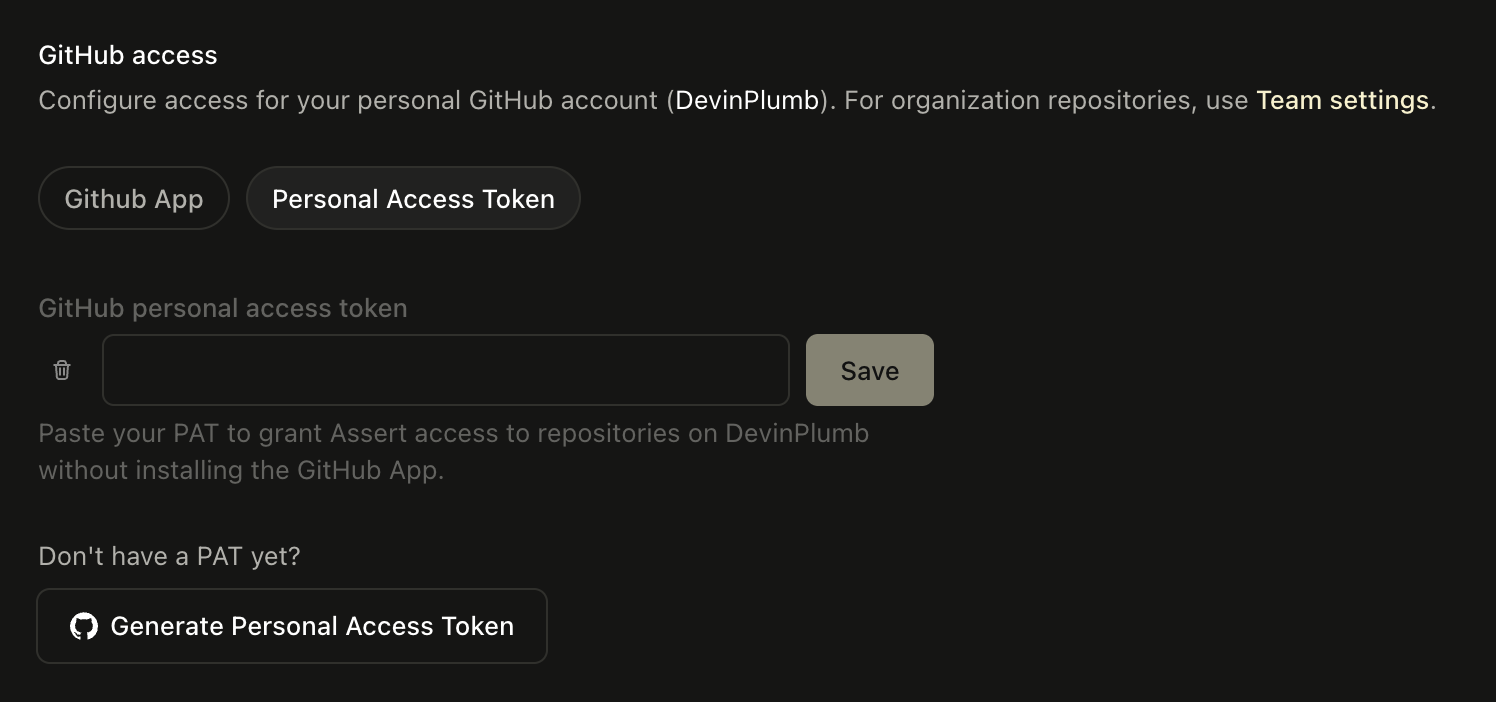
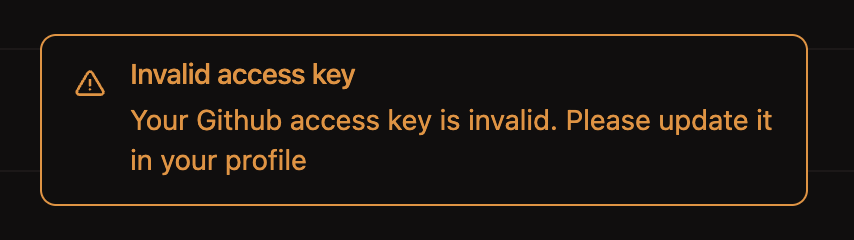
If you have created an account with Assert using your GitHub account, you will
only be able to review pull requests from GitHub that are public. By installing our
app, you will be able to review pull requests from private repositories, as well as
enable webhook-based updates in Assert whenever changes occur in GitHub.Alternatively, you can create a PAT (Personal Access Token) with the
repo scope and use that to authenticate with Assert.Installation
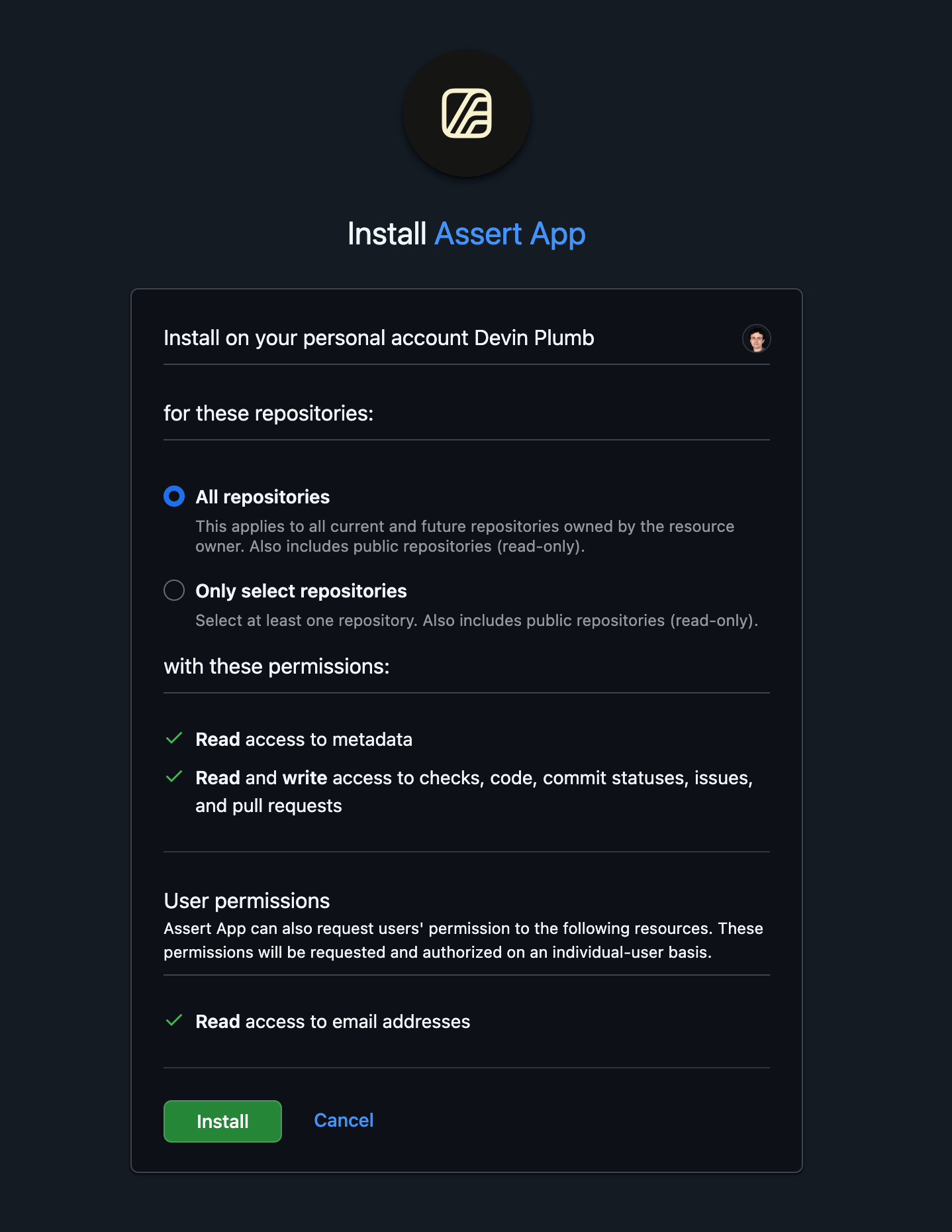
In order to install the Assert GitHub app for a repository, you will need to have admin permissions on that repository. Begin by navigating to the installation page to learn more about the application and what permissions are required. After selecting “Install”, you will see a page similar to this: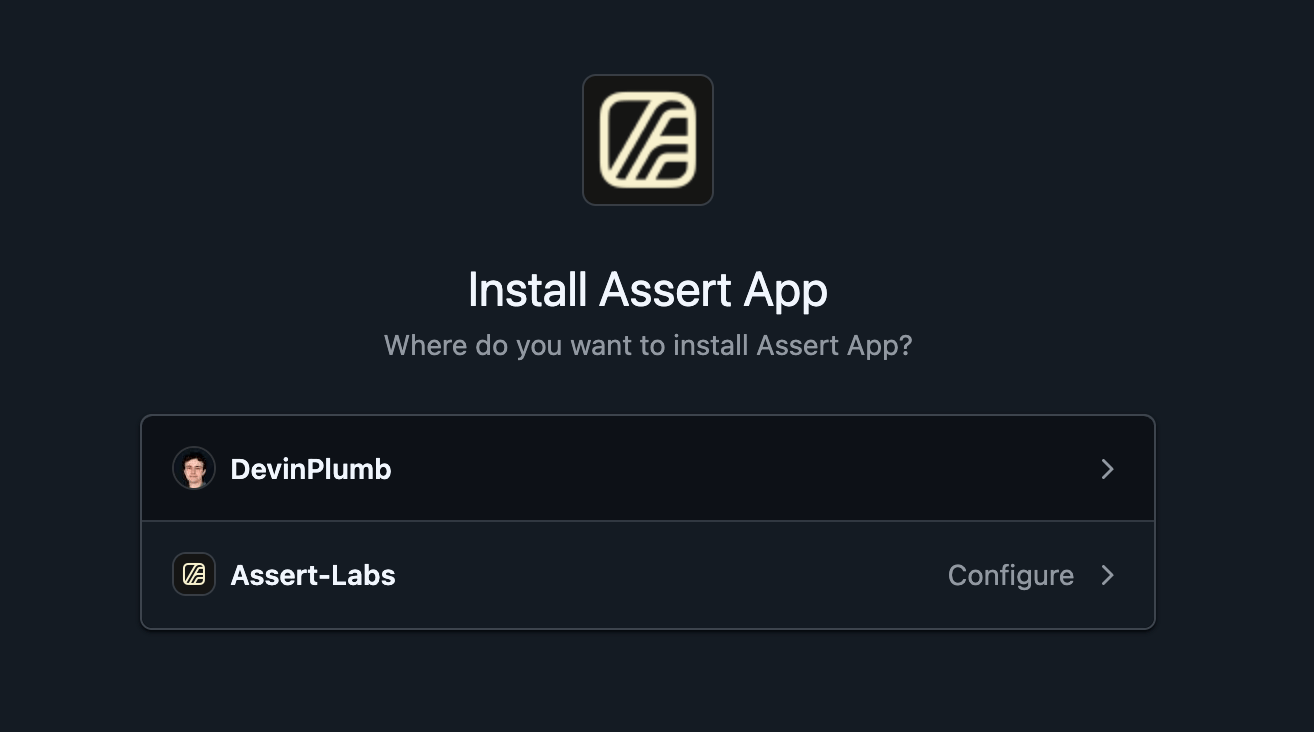
Pull Requests
Whenever a pull request is opened in a repository which has Assert installed, the app will comment linking to the place to review code in Assert.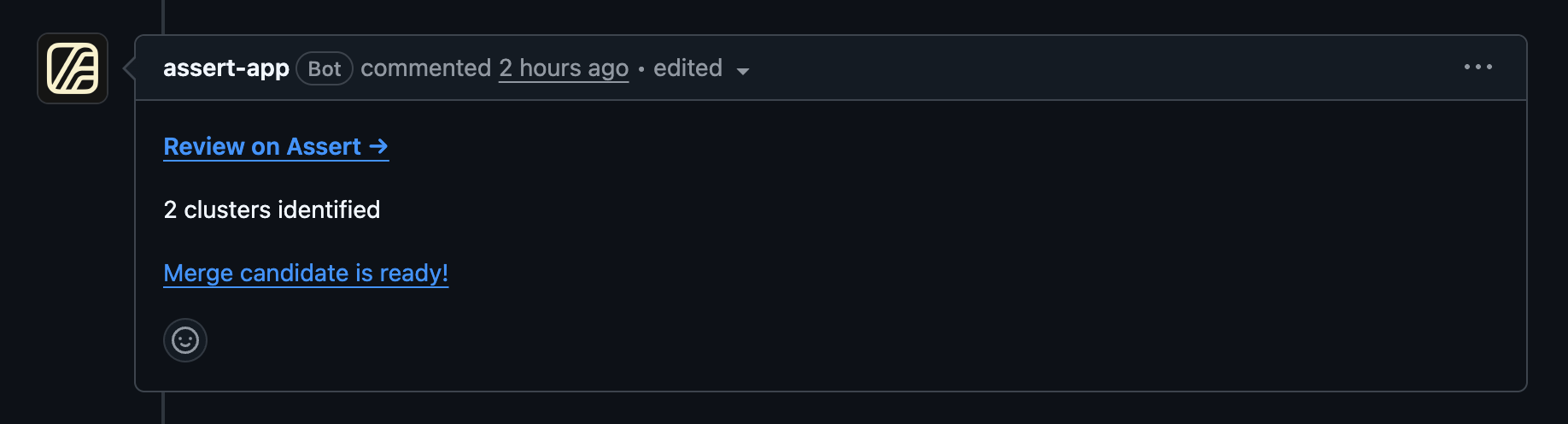
Personal Access Token
If you would like to review pull requests on GitHub without installing our app, you can create a PAT (Personal Access Token) with therepo scope and use that to authenticate with Assert. Follow the instructions there to
generate a token with the appropriate access permissions to read the repository and write reviews.
Once you have created a PAT, set it in your profile settings in Assert.